

IPTV Scotland 2026: How to Watch Scottish TV Online
STV in Glasgow is not quite the same viewing situation as ITV in the Borders. Here’s a down-to-earth guide to Scottish channels, BBC iPlayer, Gaelic television, smart TVs and the rules that matter.
If you’re searching for IPTV Scotland, you’re probably asking a practical question: how can I watch the Scottish programmes I care about on the television I already own?
It might be local news, BBC Scotland documentaries, a Gaelic-language show, or the match everyone at work is talking about.
The answer is more interesting than buying a box with a large channel number printed on the packaging. Scotland has its own regional broadcasting arrangements, and internet television combines traditional channels, broadcaster apps, streaming subscriptions and standalone video players.
They look similar on a screen, but they are not the same product.
You can watch Scottish television online through legitimate services such as STV Player in its eligible broadcast area and BBC iPlayer for BBC Scotland and BBC ALBA content, alongside other authorised TV services. Start by checking your postcode, device compatibility and the programmes you want. In the UK, you need a TV Licence to watch live television on any service or to use BBC iPlayer, including on-demand programmes. A third-party IPTV player does not supply viewing rights by itself.
IPTV in Scotland Isn’t One Single Service
IPTV stands for Internet Protocol Television: video delivered using internet-network technology.
It can describe a managed television package from a communications company, a broadcaster’s own live streaming system, or an internet TV subscription used through a separate player.
That last distinction matters. A player is software. It might accept an M3U playlist or another supported account format, but installing the app does not mean you have bought channels or that the provider has permission to distribute them.
Official programming streamed by the broadcaster, such as STV Player or BBC iPlayer, subject to programme rights and account requirements.
A television service with specified channels, pricing and access methods from a provider authorised to offer the content.
A way to display an authorised playlist. The application and the rights to view each channel remain separate.
There is no universal list of “all Scottish IPTV channels” that proves what any subscription can lawfully carry.
Look for clear information about who supplies the channels, which UK rights apply and whether the content is available at your address.

Why STV Works Differently in the Scottish Borders
Here’s one of the most useful things to understand before troubleshooting a missing channel: STV’s main live stream covers central and northern Scotland.
STV itself says that viewers outside its broadcasting area are served by ITV for their Channel 3 service. Ofcom lists separate licences for STV Central, STV North and ITV Border.
So a viewer in Glasgow or Aberdeen may have a different main Channel 3 live-streaming option from somebody living in the Borders.
It’s not necessarily a faulty TV, a slow router or a failed subscription. Regional licensing can be the entire explanation.
| Where You Live | First Place to Check | Why It Matters |
|---|---|---|
| Glasgow, Edinburgh and much of central Scotland | STV Player and BBC services | STV Central covers much of this area. Verify your postcode in the app. |
| Aberdeen, Inverness and much of northern Scotland | STV Player and BBC services | STV North serves the northern broadcasting region. Device and account restrictions still apply. |
| Scottish Borders and relevant southern areas | ITV Border regional service | Do not assume STV’s live stream is available outside its Central and North regions. |
| Anywhere in Scotland | BBC iPlayer | Eligible BBC programmes are separate from the STV/ITV Channel 3 divide. |
ITVX has its own rights and location rules. ITV’s help centre says that the main ITV channel may not appear to viewers identified as being in Scotland, even when other ITV channels are available.
For this reason, use official postcode and regional support information rather than applying one blanket rule to every household.
BBC Scotland, BBC ALBA and Local Programming
For many viewers, Scottish television means more than a national UK channel with the occasional regional bulletin.
BBC Scotland and BBC ALBA bring Scotland-focused programmes, news, culture and sport. BBC ALBA is particularly relevant if you want Scottish Gaelic-language programming.
BBC iPlayer is a starting point for finding eligible BBC content online.
Remember that a programme’s availability can differ from its broadcast schedule. Some events have internet rights, others have time-limited catch-up rights, and individual titles can leave the catalogue.
Three Questions Worth Asking
- Is it live or on demand? Look for the actual programme page and current rights information.
- Do you need Gaelic audio or subtitles? Check the specific programme because language and caption options are not identical everywhere.
- Is it a live sporting event? Verify the current broadcaster. A previous match appearing on BBC ALBA does not guarantee that the next fixture will be there.
BBC ALBA is a partnership between the BBC and MG ALBA, with programming in Gaelic. Sports coverage can sometimes include different commentary-language options, but these depend on the event.
Which Streaming Option Fits a Scottish Household?
The right setup depends on your viewing habits. Someone who watches local evening news and an occasional drama may need fewer services than a household wanting premium sports, Gaelic content and films.
Comparing services only by a claim such as “20,000 channels” is rarely helpful.
| Service Type | Good Starting Point For | Main Limitation to Check |
|---|---|---|
| STV Player | STV programmes, local coverage and on-demand selections | Live STV regional restrictions and device compatibility |
| BBC iPlayer | BBC Scotland, BBC ALBA and eligible BBC programmes | UK TV Licence, account requirements, programme rights and supported devices |
| Authorised Pay-TV Package | Households needing specified premium channels or managed equipment | Channel rights, prices, contracts and geographic terms |
| IPTV Player App | Viewers with a lawful compatible playlist from a separate content source | Does not itself grant channel rights or guarantee any content |
Before choosing a paid service, ask about its actual distribution rights, supported devices, total recurring cost, cancellation terms and what happens if a channel is unavailable.
A list of logos and an attractive price are not substitutes for those answers.
Have a TV or Streaming Box Already?
Check the IBOStreamX installation information and ask about compatibility. Always confirm the UK distribution rights of any content subscription separately.
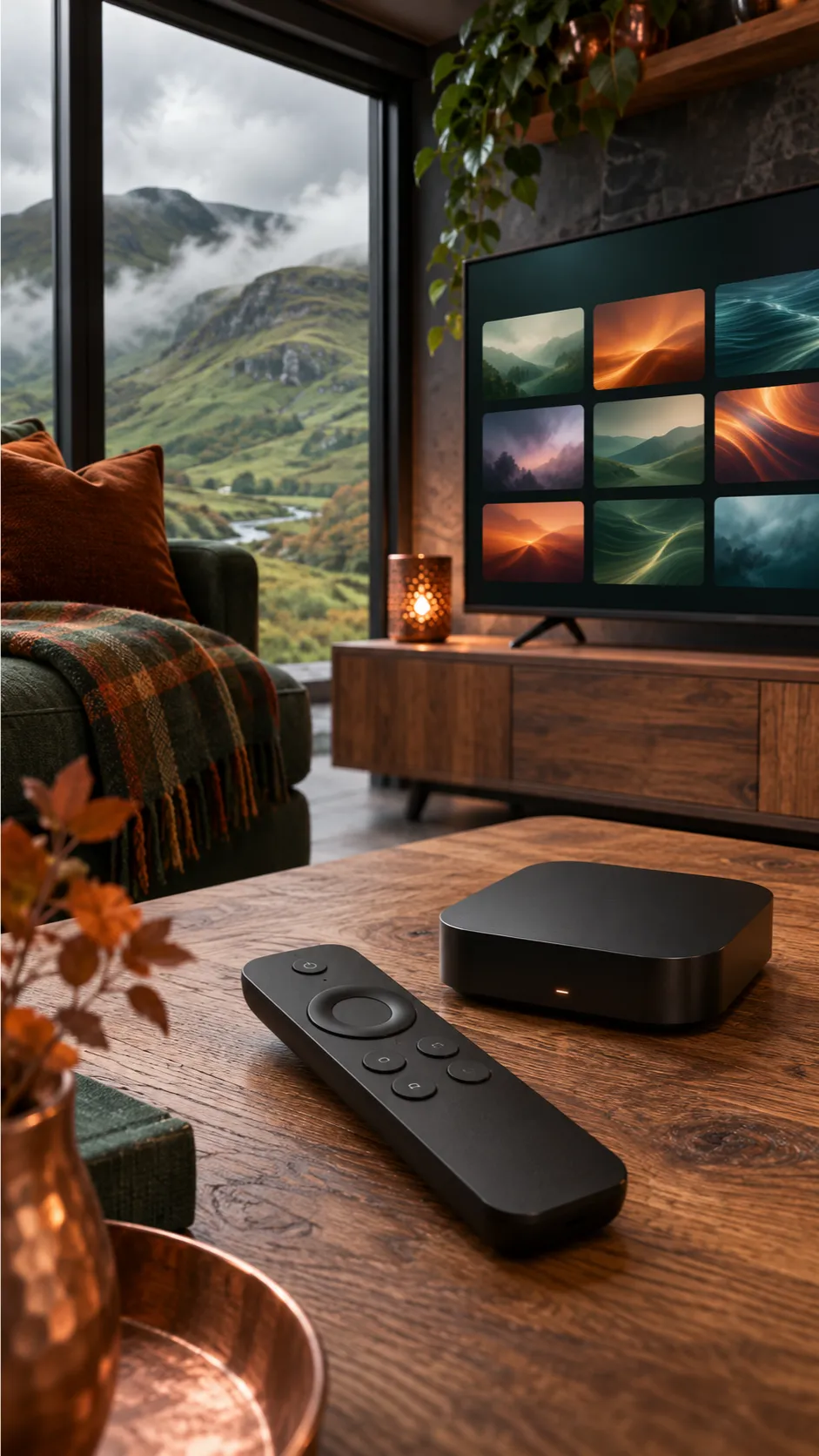
How to Set Up Scottish TV Streaming on a Smart TV
Start with official broadcaster apps rather than installing unfamiliar software from a link in a private message.
The basic steps are similar on many televisions, although menus differ by brand and operating system.
-
Check Your Postcode and Region
Find out whether your address is inside STV’s main broadcasting area and confirm which channels or programmes you want.
-
Identify Your Device Software
Look under Settings and About for the model and operating system. Check official supported-device lists before installing.
-
Install the Official App
Use the built-in app store on your compatible television, streaming box or phone. Avoid modified applications.
-
Sign In and Test
Complete any legitimate account and TV Licence confirmations, then test a local programme, sound and subtitles.
Device Compatibility: Not Every Smart TV Is Alike
STV’s support page, updated in November 2026, lists platforms including Amazon Fire TV, Apple TV, Google TV, Roku, compatible Samsung TVs and selected LG models.
Requirements vary. For example, the current STV support list places LG compatibility on webOS 25 and newer.
Some older devices no longer receive application support even though their screens still work.
If an app is missing, check the exact model against the broadcaster’s current list. An external streaming box may be an option, but it will not bypass regional rights or replace an applicable TV Licence.
What If You Use a Separate IPTV Player?
Use only a playlist or account supplied by a source authorised to distribute that programming in the UK.
Follow the player’s official setup instructions, keep login credentials private, and check whether it needs an additional player fee.
If the programme guide is empty, that could be an EPG data issue rather than a problem with the channel itself.
Common Scottish Streaming Problems and What to Try
It is tempting to blame broadband whenever a programme fails.
But in Scotland, a location problem or unsupported version of an app can look similar to a network fault.
| Symptom | Possible Cause | Useful Next Step |
|---|---|---|
| STV Live Channel Missing | Outside the broadcast area or postcode mismatch | Check the STV region, account postcode and official regional guidance |
| ITVX Missing Main ITV Channel | Scotland-specific online rights restrictions | Read ITV’s Scottish availability guidance |
| BBC iPlayer Requests a TV Licence | Normal UK licensing requirement | Follow official TV Licensing guidance and provide accurate confirmation |
| App Is Unavailable on Your TV | Unsupported system or old device | Check official compatibility lists and software updates |
| Picture Pauses on Several Apps | Home network or broadband issue | Test the connection and another legitimate streaming application |
| Programme Guide Shows Wrong Time | Incorrect BST/GMT or guide data | Set UK local time correctly and check the EPG source |
For a quick diagnosis, compare a live broadcaster app with an on-demand programme on the same device.
- If both struggle, check your home internet connection.
- If only one channel is unavailable, check region, account and programme rights.
- If video works but the guide does not, investigate the time-zone settings and EPG data.

IPTV Scotland FAQs
Is IPTV legal in Scotland?
IPTV is a lawful technology. The legality of a particular channel subscription depends on whether the distributor has permission to offer the content.
Do I need a TV Licence to watch live IPTV in Scotland?
Yes. The UK TV Licence requirement applies if you watch or record live television on any channel or streaming service. BBC iPlayer also requires a licence for on-demand programmes.
Can I watch STV Player live in the Scottish Borders?
STV states that its main live channel stream is available within its Central and North areas. Viewers outside that area should check the regional ITV Channel 3 service.
Is BBC ALBA available online?
BBC ALBA programming can be found through eligible BBC streaming services, including BBC iPlayer, subject to current rights and TV Licence requirements.
Why can I see ITV2 but not the main ITV channel?
ITV says rights rules can prevent its main channel appearing for viewers identified as being in Scotland, even when other ITV channels remain available.
Does an IPTV player include Scottish sports channels?
Not automatically. A player may simply open streams supplied separately. Programming and distribution rights must be verified.
Which devices support STV Player?
STV supports various phones, streaming boxes, browsers and selected smart TVs. Check its current compatibility list for your exact device and software version.
Will a VPN fix an STV postcode error?
Not necessarily. STV advises users to disable a VPN when diagnosing region errors. Follow the broadcaster’s official geographic restrictions and support guidance.
Put Scottish Programmes First. Choose the Technology Second.
The most useful IPTV Scotland 2026 setup is the one that reliably gives you the Scottish programming you actually care about, on devices your household understands.
Start with the regional question—STV or ITV Border— then explore BBC Scotland, BBC ALBA and any other authorised services you need.
Confirm your TV Licence responsibilities, look up official device support and take vague channel-count promises with a pinch of salt.
Clear subscription terms and accurate programme availability will serve you better than a menu full of channels you cannot watch.
Explore Streaming Setup Information
IBOStreamX provides device tutorials and contact options. Before buying any programming subscription, independently verify its UK content rights, location rules and full service terms.
Official Sources & Further Reading
- STV — Live Streaming Regions
- STV — Supported Devices
- Ofcom — Channel 3 Regional Broadcasters
- ITV — Scottish Channel Availability
- TV Licensing — Live Streaming and BBC iPlayer
- BBC — BBC ALBA and Gaelic Programming
Updated November 2026. Service areas, device support, licensing requirements and programme rights may change. Confirm current details with official providers. This is general consumer information, not legal advice.